Companies are increasingly introducing or reviewing thin clients, Virtual Desktop Infrastructure (VDI), and Desktop as a Service (Daas) solutions to enhance security and maintain Windows-based legacy applications.
Computers reviewed as thin clients or zero clients are Windows-based thin clients and dedicated OS-based zero clients. These devices are more secure, but less usable (eg, laptop that can be carried around outside the company), and the cost of managing these devices is as high as a regular PC.
The dilemma of thin client adoption is that it is highly secure but not as cheap as you might think. One of the disadvantages is that the thin client of Windows OS or the zero client based on proprietary OS are not utilized very much. (In some cases, a corporate VPN connection may not be possible with a dedicated OS-based zero client solution.) In addition, some companies are demanding that they can work in an offline environment that does not have an Internet connection.
Chromebooks are emerging as new computers that solve this dilemma. Google is announcing a partnership with Citrix and VMware to connect VDI technologies to Chromebook. In addition, each solution-specific remote access app for Chromebook is already available in the Chrome Web Store.Citrix Solution
Citrix Receiver is client software provided by Citrix. Supports remote access of Windows applications through XenDesktop and XenApp installed on Windows server or desktop. Allows access to applications, desktops, and data from any device, including Chromebook, smartphones, tablets, PCs, and Macs.

This is the screen to access the remote virtual window desktop through Citrix Receiver for Chromebook.
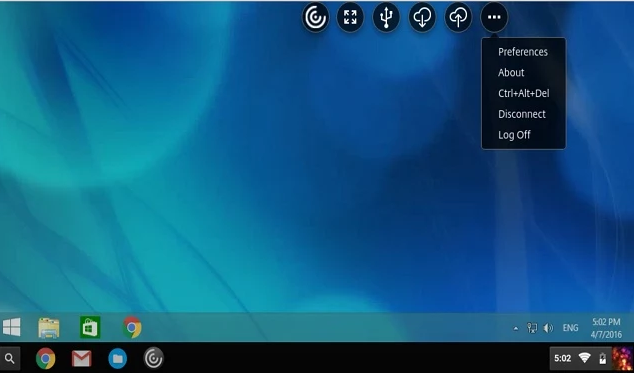
VMware Horizon Client Solution

Windows virtual desktop access via VMware Horizon for Chromebook

Remote Desktop Access Solution - Ericom AccessNow
Ericom has long since developed HTML5-based solutions to connect remote desktops or Windows servers (HTML5-based) without any S/W installed on Chromebook. Many schools and businesses also use it.

Remote Windows server access via Ericom's AccessNow on Chromebook

Example of creating a web page for remote Windows app access using Ericom portal page function
Google's Chrome Remote Desktop Program
Google's free app for Chrome. You can install it for free from the Chrome Web Store.
It is a module that enables mutual remote connection between computers with Chrome browser installed (Windows, Mac, Linux, Smartphone).

Chromebook users can access the Windows desktop to work remotely.
It has two functions.
1). Remote Assistance
- It is mainly for use when you need to connect to a remote computer to support it.
- On the other computer, click on "Share" after running Chrome Remote Desktop and pass the access code value to connect using this code value.
2). My Computer
- You can access remotely My Computer as My Account and connect remotely when needed.
- When registering my computer, I need to register my PIN number and enter this PIN number when connecting from a remote location.
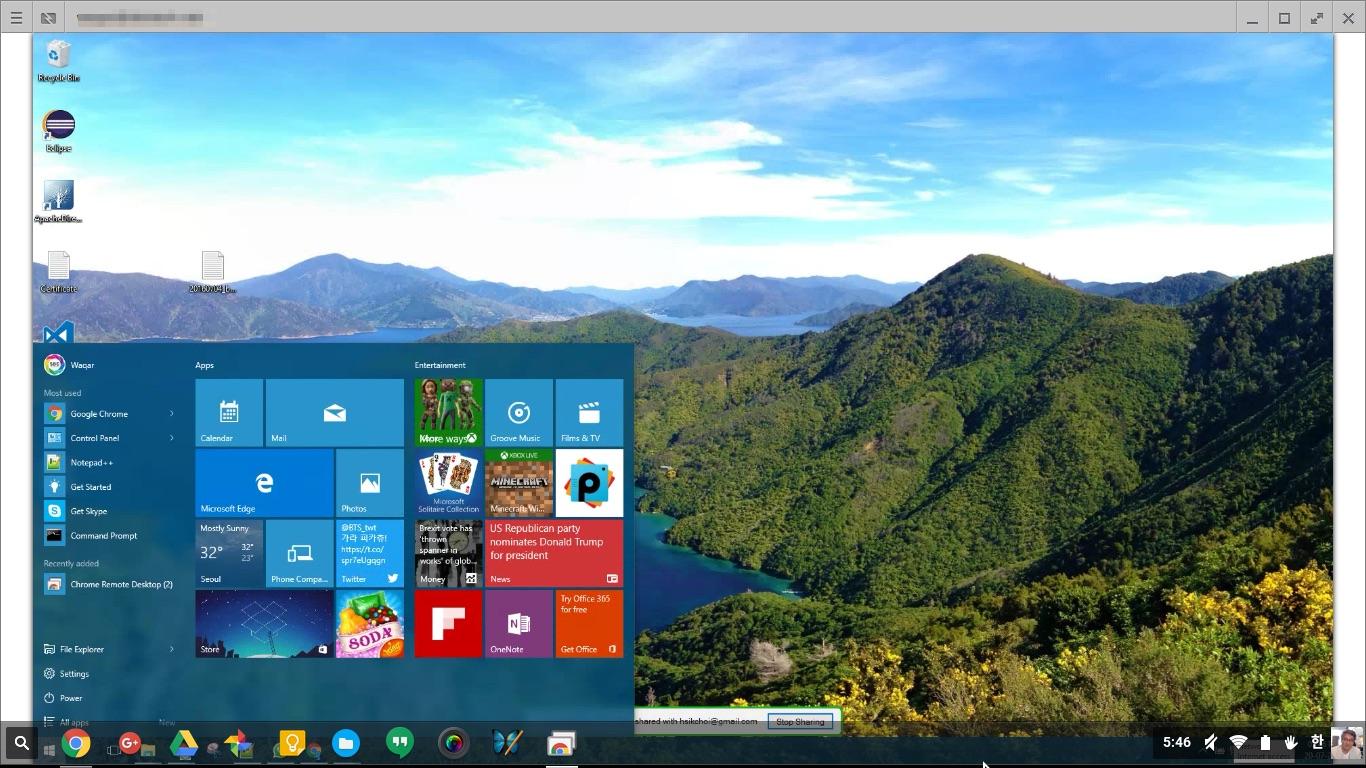
Remote desktop access to Windows desktop using Chrome desktop module on Chromebook.
For more information for Chrome (Chromebook) Device Management- Author:Advanced Chrome Device Management - Kindle edition - Paperback/Kindle Edition)
Accounting and bookkeeping services is looked for by many small and big companies. So we offer accounting services online for many people who asks for it. Call us to know more about it and get our services
ReplyDeleteG Suite/Google Workspace/Chromebook Blog: Vdi And Remote Desktop Solutions For Chromebook >>>>> Download Now
Delete>>>>> Download Full
G Suite/Google Workspace/Chromebook Blog: Vdi And Remote Desktop Solutions For Chromebook >>>>> Download LINK
>>>>> Download Now
G Suite/Google Workspace/Chromebook Blog: Vdi And Remote Desktop Solutions For Chromebook >>>>> Download Full
>>>>> Download LINK nG
That is great research you have done. It is an exceptionally valuable reference for staying up with the latest with the most recent advanced promoting news.
ReplyDeleteg suite business pricing india
Nice Blog, Gsuite a set of intelligent apps including Email, Docs, Drive, Calendar & More with guaranteed 99.9% Uptime and 10+ Yrs experience plus operating with G Suite Premier Partner for providing 24/7 Customer Support. g suite basic pricing india
ReplyDeleteNice article
ReplyDeleteClick here:Soap Bubble
Windmill live Wallpaper
Timer Plus
Opera Browser
Peroidic table
4g Lte Only mode
G Suite/Google Workspace/Chromebook Blog: Vdi And Remote Desktop Solutions For Chromebook >>>>> Download Now
ReplyDelete>>>>> Download Full
G Suite/Google Workspace/Chromebook Blog: Vdi And Remote Desktop Solutions For Chromebook >>>>> Download LINK
>>>>> Download Now
G Suite/Google Workspace/Chromebook Blog: Vdi And Remote Desktop Solutions For Chromebook >>>>> Download Full
>>>>> Download LINK p0