You must have Google Account before using your Chromebook.
In general, you know that a Google Account is either a personal Gmail account or a corporate G Suite account. However, anyone can create a Google Account with your personal email account (such as Yahoo Mail, MS Mail, etc.) or your corporate mail account (such as david@mycompany.com) without a Gmail account.
Google Drive users often ask. “Can I do this by sharing my Google Drive documents with people who do not have a Google Gmail account (e.g., Yahoo mail, MS mail, or corporate mail) to collaborate?”
The answer is Yes.
If I do not have a Gmail account, can I use Google+, Google Drive, Search, YouTube, Google Maps, Google Play, News, and Calendar?
The answer is Yes.
Depending on the type of Google's service, the method of creating an account or the purpose of an account may be different, which is a common confusion for the average user.
There are three ways to formally create an account through Google service.
1. How to create a free Gmail account
Google provides 15GB of free storage. If you have a Gmail account, you can use it with one account: Google Drive, Calendar, YouTube, and Google+. Your Gmail account is the primary account for all of the Google services.
2. How to create a Google Drive account without a Gmail account.
Even if you do not have a Gmail account, you can still create a Google Account. If you do not use Gmail, but want to use only Google Drive, Maps, Search, etc., just visit the Google Account Creation site and select 'I prefer to use my current email address' in your username. At this time, if you input another mail account (eg Cooperate mail, Yahoo mail, etc.) instead of Google Gmail account, the message for authentication will be sent to that email address. You can sign up by checking the verification email in the message and clicking the verification URL. This account will be free of charge for Google Drive 15GB.

3. Create a G Suite (Basic or for Education)Account
Enterprise accounts are paid with $50 per user per year. But G Suite for Education is free of charge for education. You have to create an account with your own domain. You will have your own email address for the domain. G Suite Basic service comes with 30GB of Gmail and Google Drive combined. (G Suite for Education comes with unlimited of Gmail and Drive). You can also use a variety of G Suite’s apps (Google Drive, Google Groups, Sites, Hangouts, Docs, Spreadsheet, Slide and Vault (optional)). You can sign up at https://gsuite.google.com/
-----------------
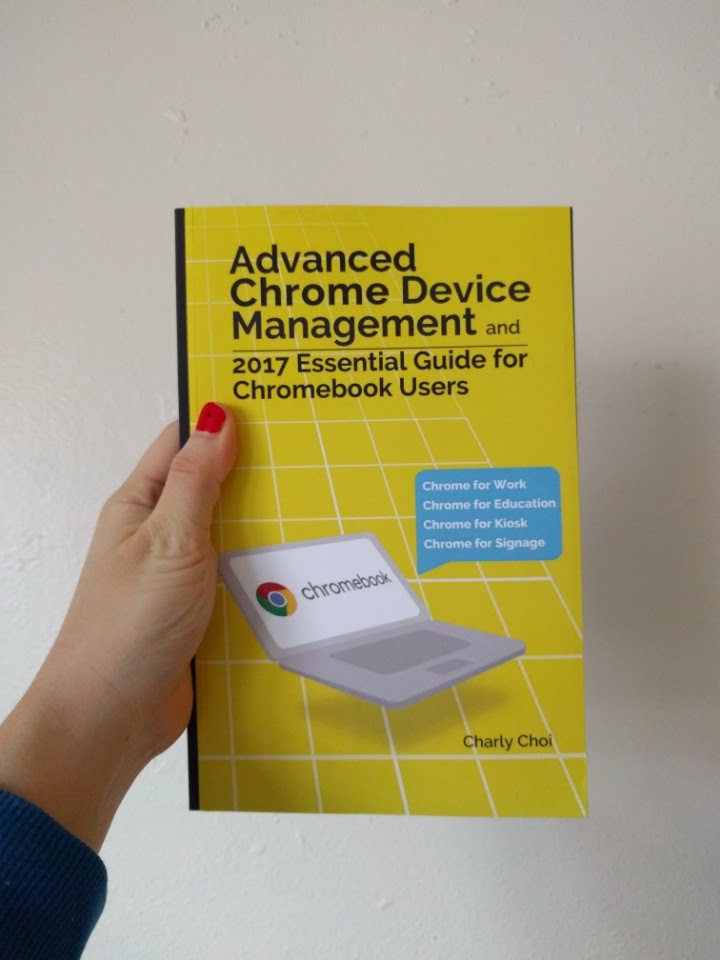
For More information- https://goo.gl/IMl8Bu Kindle Store - Paperback/Kindle Edition)
That is great research you have done. It is an exceptionally valuable reference for staying up with the latest with the most recent advanced promoting news.
ReplyDeleteg suite unlimited cloud storage
Nice article
ReplyDeleteClick here:Soap Bubble
Windmill live Wallpaper
Timer Plus
Opera Browser
Peroidic table
4g Lte Only mode
gsuite email services Hyderabad
ReplyDelete