There was some conflict between the Asus C302CA and Samsung Chromebook Plus models for this Chromebook purchase. In the end, however, Chromebook Plus made the final decision.
The purchase motive of Samsung Chromebook Plus is simple. If most of the Chromebooks I used (Acer C720p, Asus Flip 10.2) were serving as a second computer that consumes content at home (such as searching the web, watching videos, or occasionally watching netflix movies, etc.) It is a tool for creating content that is not intended for 2nd computer consuming but also for testing the possibility of being used as a main computer for business use.
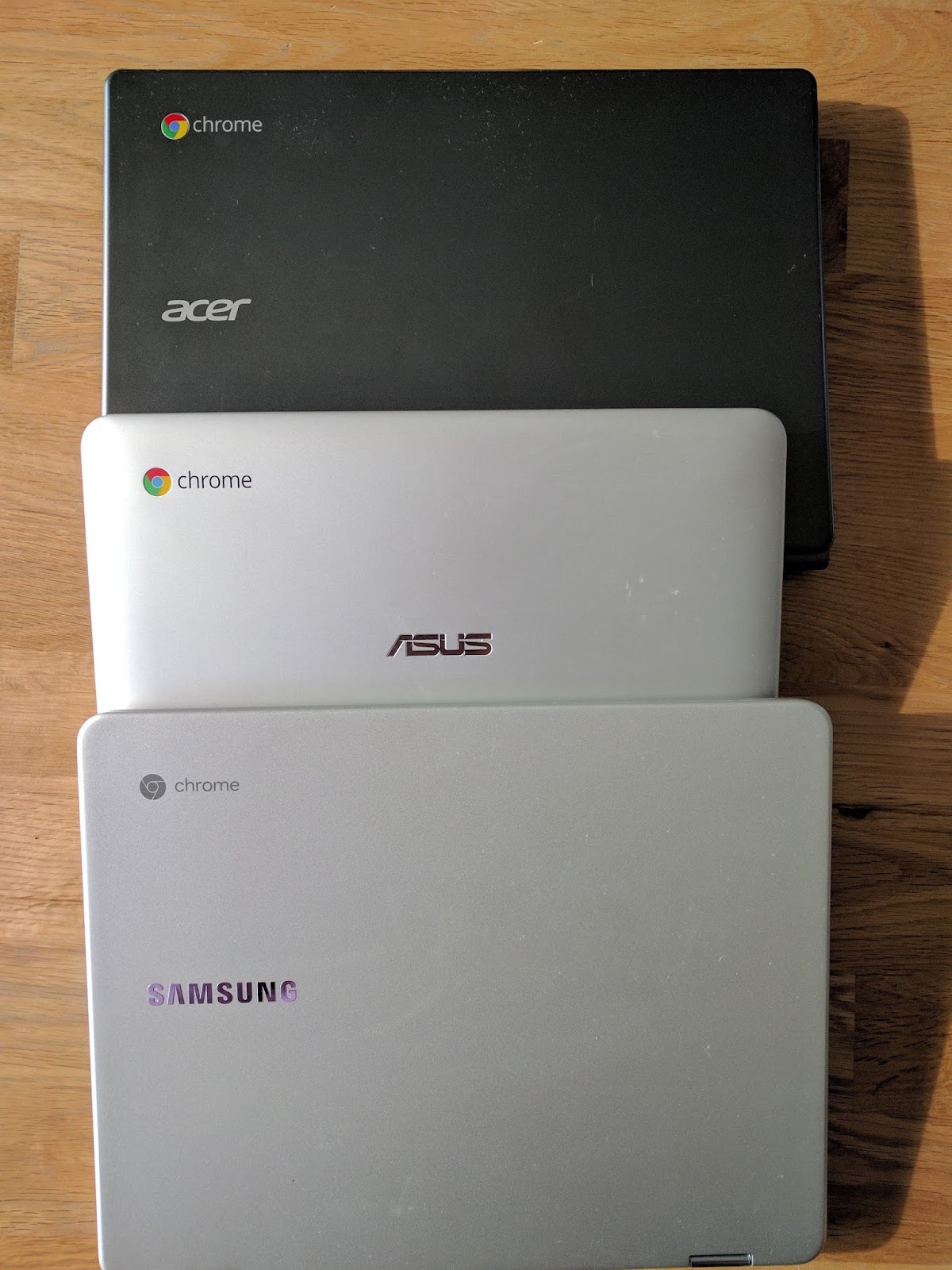
Earlier, I had already tasted the touchscreen with the Asus Chromebook Flip 10.2 model, 360 degrees of screen rotation, installing the Google Play Store Android app on Chrome OS, and so on.
This Samsung Chromebook has a 3: 2 aspect ratio, which is the same rate as the earlier Pixel Chromebooks from Google.
Given that Google's proprietary Chromebook pixels were in a 3: 2 ratio, the Samsung Chromebook Plus will be a fountain of a second Chromebook with a 3: 2 ratio.
While most other Chromebooks are in the 16: 9 ratio, there is a reason why Samsung has released a 3: 2 ratio.
My personal opinion is that it is designed to be suitable for content creation (mainly companies with a lot of paperwork) so that companies can use it as a main computer, rather than a device for content consumption for 2nd computer.
The screenshot below compares the same Google document with the 16: 9 ratio of Chromebooks and 3: 2 ratio of Samsung Chromebooks.
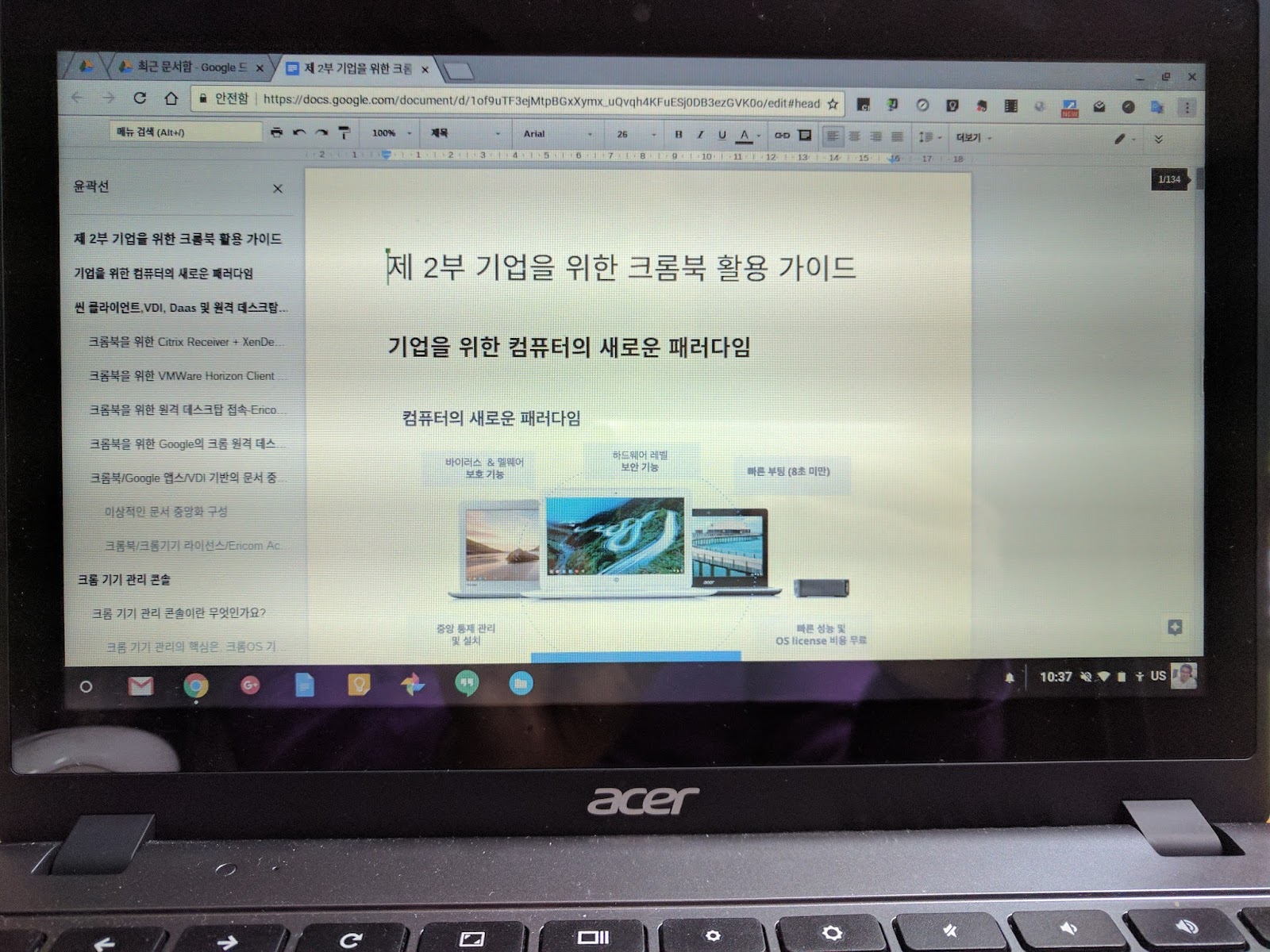
Asus Flip 10.2 Chromebook

The purchase motive of Samsung Chromebook Plus is simple. If most of the Chromebooks I used (Acer C720p, Asus Flip 10.2) were serving as a second computer that consumes content at home (such as searching the web, watching videos, or occasionally watching netflix movies, etc.) It is a tool for creating content that is not intended for 2nd computer consuming but also for testing the possibility of being used as a main computer for business use.
Earlier, I had already tasted the touchscreen with the Asus Chromebook Flip 10.2 model, 360 degrees of screen rotation, installing the Google Play Store Android app on Chrome OS, and so on.
This Samsung Chromebook has a 3: 2 aspect ratio, which is the same rate as the earlier Pixel Chromebooks from Google.
Given that Google's proprietary Chromebook pixels were in a 3: 2 ratio, the Samsung Chromebook Plus will be a fountain of a second Chromebook with a 3: 2 ratio.
While most other Chromebooks are in the 16: 9 ratio, there is a reason why Samsung has released a 3: 2 ratio.
My personal opinion is that it is designed to be suitable for content creation (mainly companies with a lot of paperwork) so that companies can use it as a main computer, rather than a device for content consumption for 2nd computer.
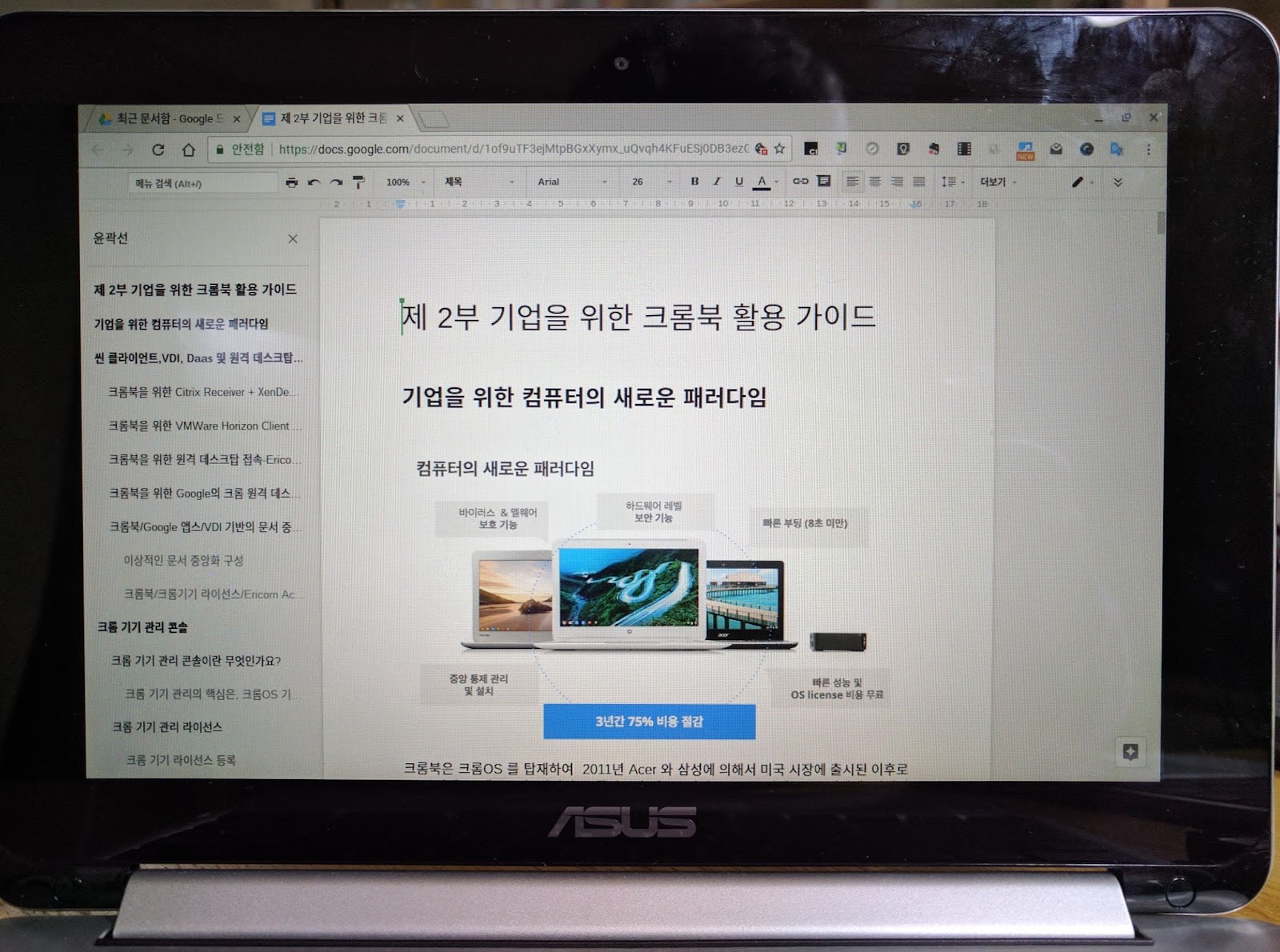
The screenshot below compares the same Google document with the 16: 9 ratio of Chromebooks and 3: 2 ratio of Samsung Chromebooks.
Acer C720p Chromebook
Asus Flip 10.2 Chromebook
Samsung Chromebook Plus
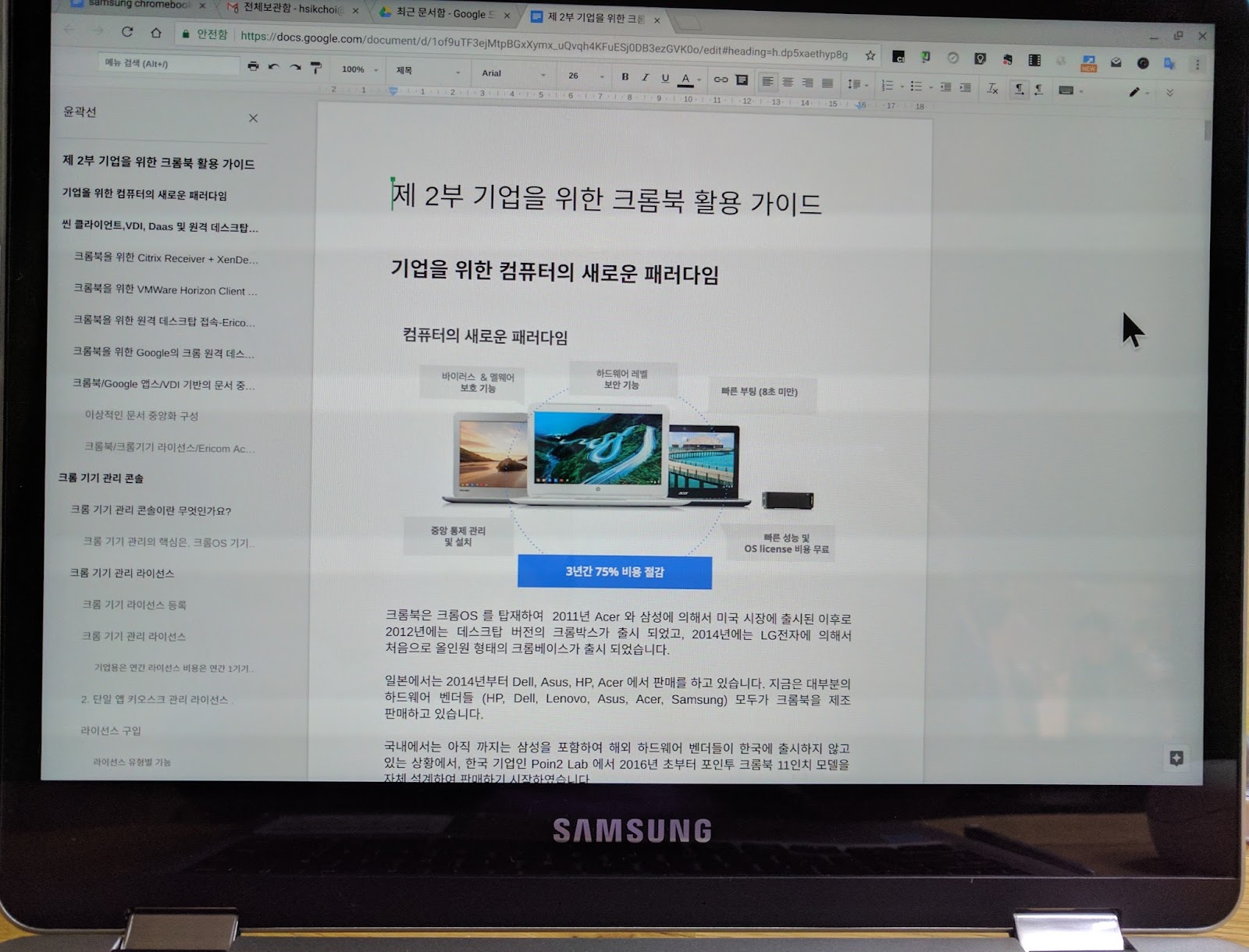
As you can see in the screenshot above, you can see that the 3: 2 ratio screen shows a range of documents larger than 16: 9.
Samsung Chromebook Plus resolution vs. Google Chromebook Pixel (2015) resolution 12.3 "LED Display (2400 x 1600) 3: 2 aspect ratio
Chromebook Pixel (2015): 12.85-inch touchscreen, 2560 x 1700 resolution, 3: 2 aspect ratio
The clarity of the screen is the clearest of the Chromebooks we've used so far.
-------------------------
Kindle Edition-Paperback/eBook -

That is great research you have done. It is an exceptionally valuable reference for staying up with the latest with the most recent advanced promoting news.
ReplyDeleteg suite unlimited pricing in india
Nice Blog, Gsuite a set of intelligent apps including Email, Docs, Drive, Calendar & More with guaranteed 99.9% Uptime and 10+ Yrs experience plus operating with G Suite Premier Partner for providing 24/7 Customer Support. g suite basic pricing india
ReplyDeleteNice article
ReplyDeleteClick here:Soap Bubble
Windmill live Wallpaper
Timer Plus
Opera Browser
Peroidic table
4g Lte Only mode