
Working with AutoCAD (DWG / DXF) files on your Chromebook


Introducing AutoDesk ™ A360 Viewer


a360 viewer .png

AutoCAD is developed and marketed by AutoDesk ™ as CAD-specific software for 2D /3D design and drafting.

It also uses the DXF format for interoperability in industry standard formats.

S / W for AutoCAD is mostly run on high-end computers (MS or Mac based). In the meantime, Chromebooks have no way to view these high-demanding DWG / DXF CAD formats.

AutoDesk provides a Cloud-based A360 Viewer service for AutoCAD. For Personal is free (use one project for the file, 5GB storage provided). For business use (unlimited use of files, 10GB storage, user management control functions for files).

This A360 Viewer app can be installed on your Chromebook in the Chrome Web Store.

a360.png

Simply create a user account on A360.autodesk.com and run the A360 viewer on your Chromebook.

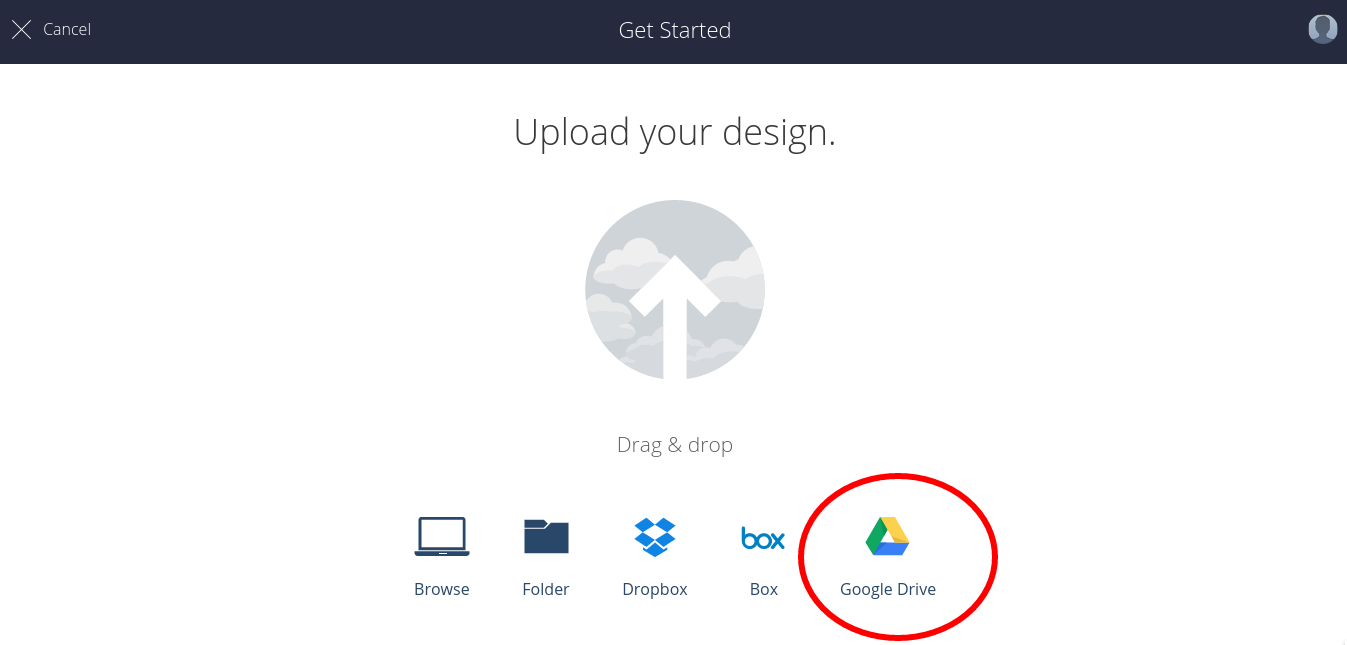
The A360 Viewer supports Google Drive, so you can open your AutoCAD files by accessing your Google Drive directly from the A360 site without having to download DWG / DXF files to local storage.


a360 upload.png


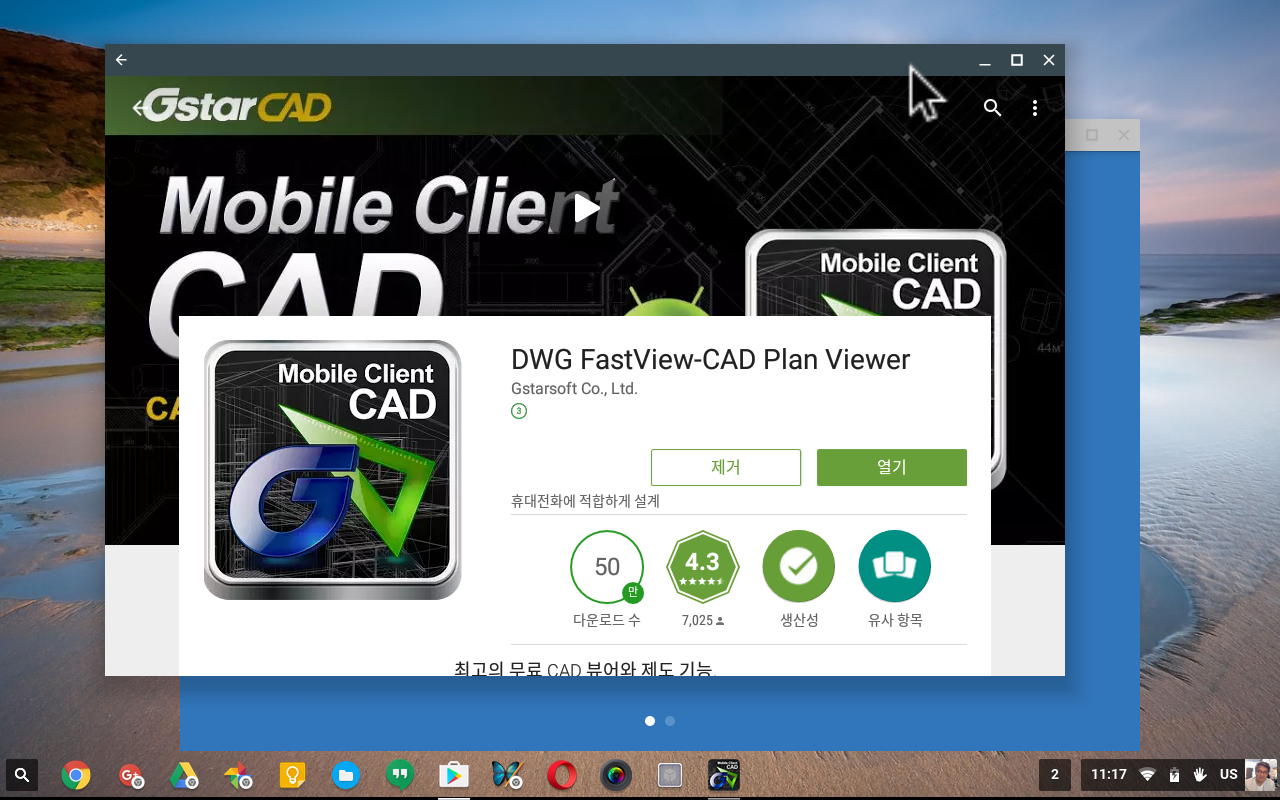
Introducing Android app DWG Fast Viewer
dwg-fast-viewer.png


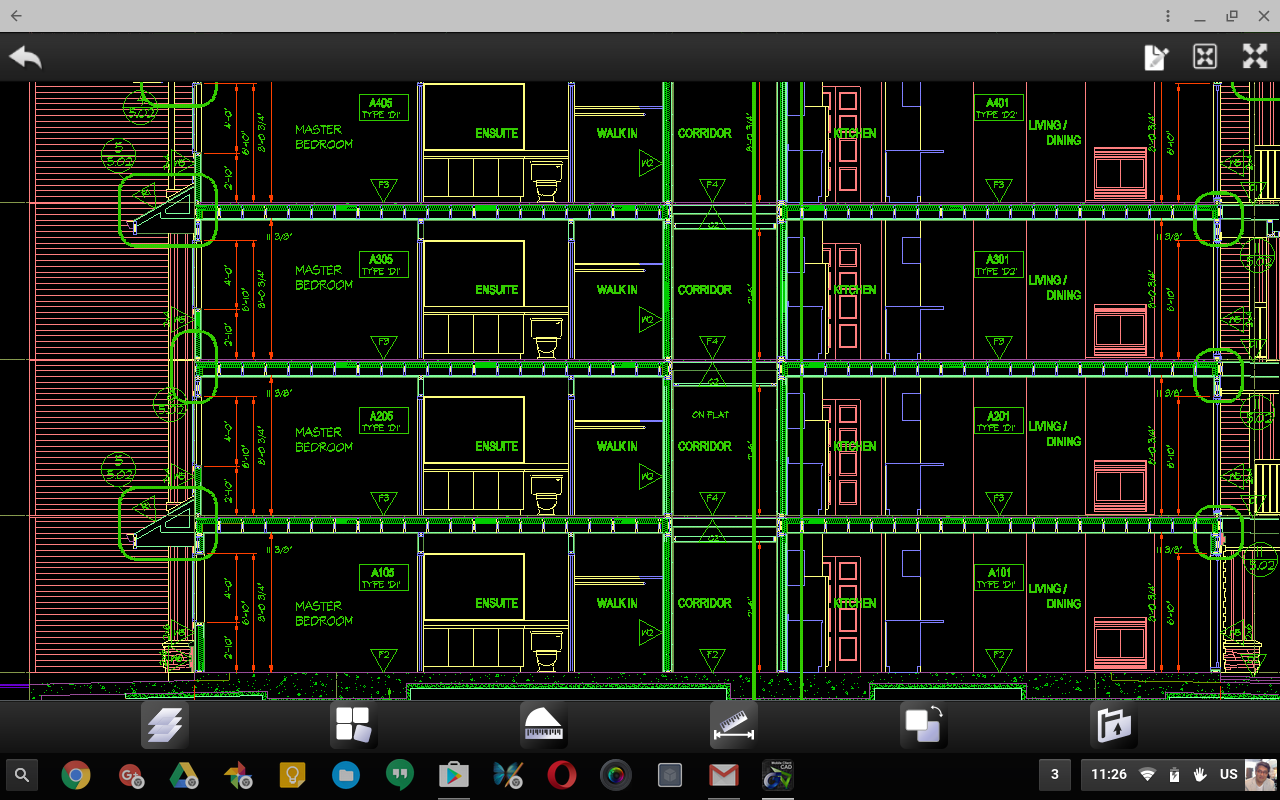
Free Android app that opens local DWG files for quick viewing. (Chrome OS version 53+ Chromebooks with Play Store support).
dwg-fast-viewer-1.png


-------------------

Advanced Chrome Device Management & 2017 Essential Guide for Chromebook Users: by Charly Choi

Amazon Kindle Store - https://goo.gl/ari79C

Comments

  1. That is great research you have done. It is an exceptionally valuable reference for staying up with the latest with the most recent advanced promoting news.

    g suite basic pricing india

    ReplyDelete
    Replies
    1. G Suite/Google Workspace/Chromebook Blog: Working With Autocad (Dwg / Dxf) Files On Your Chromebook >>>>> Download Now

      >>>>> Download Full

      G Suite/Google Workspace/Chromebook Blog: Working With Autocad (Dwg / Dxf) Files On Your Chromebook >>>>> Download LINK

      >>>>> Download Now

      G Suite/Google Workspace/Chromebook Blog: Working With Autocad (Dwg / Dxf) Files On Your Chromebook >>>>> Download Full

      >>>>> Download LINK GK

      Delete
  2. Nice article... Chromebit for Digital Signage sounds very nice device. I am using chrome digital signage and it is awesome.

    ReplyDelete
  3. G Suite/Google Workspace/Chromebook Blog: Working With Autocad (Dwg / Dxf) Files On Your Chromebook >>>>> Download Now

    >>>>> Download Full

    G Suite/Google Workspace/Chromebook Blog: Working With Autocad (Dwg / Dxf) Files On Your Chromebook >>>>> Download LINK

    >>>>> Download Now

    G Suite/Google Workspace/Chromebook Blog: Working With Autocad (Dwg / Dxf) Files On Your Chromebook >>>>> Download Full

    >>>>> Download LINK Ng

    ReplyDelete

Post a Comment

Popular posts from this blog

How to Manage Android Apps for Google Workspace users using Chromebook

How to Manage Android Apps (Google Play(beta)) for Google Workspace users using Chromebook  A Google Workspace  administrator can manage Chromebook users who want to install Andorid apps in the domain. Here is the information on how to manage Chromebook users installing Android apps by Google Workspace administrator. An administrator can force to install approved Android apps for Chromebooks logined in  Google Workspace . or allow  Google Workspace  users to install the Android apps from Play Store.  If you’re a Chrome for business customer, the managed Google Play Store is available for   these Chromebooks   using Chrome OS version 53 and later. For Chrome for education, the managed Google Play Store is supported on Chrome OS version 56 and later. Before you begin         Enable Android apps for Chrome OS in your domain Android apps on Chrome OS use the Android and Google Play manage...

What is Chrome Enterprise Upgrade (Chrome Device Management)?

Ho w to manage Chrome Devices for Enterprise and Education. (CEU) Companies have not had a positive view of Chromebook. In recent years, however, businesses have changed the perception of Chromebook. According to the IDC report , there are predictions that by 2018, 25% of Fortune 500 companies will use Chromebook. One of the biggest features for Chromebook is that it has an affordable price (average $ 150 - $ 300). In addition, it features fast performance, fast booting, secure computers free from viruses and malware, easy-to-manage computers, free office document editing tools, and MS Office compatibility tool. With the ability to run even millions of Android apps on the Google Play Store, Chromebook evolves into innovative computers that are capable of not only cloud-based online apps but also Android offline apps. Google is launching a Chrome-based platform to strengthen its enterprise market. Google is driving the new paradigm of computers in the ent...

[About Stylus pen for Samsung Chromebook Plus - Pros. & Cons.]

One of the things that makes Samsung Chromebook Plus different from other Chromebooks is its stylus pen support. When you unplug the pen on the top right of your Chromebook Plus, the following stylus tool will automatically appear at the bottom of your Chrome browser and Google Keep will launch when you launch the "New Note" app for your stylus pen. The only app that supports stylus pens in Chrome is Google Keep. You can annotate over the image by hand, using the pen features in Google Keep. There are a lot more Android apps in the Google Play Store that support stylus pens. 'ArtCanvas' provided by Samsung, Autodesk Sketch app provided by Autodesk is the leading Android app supporting the stylus pen. The 'Squid' app is a great notes app that supports the stylus pen. All work great on Chromebook Plus with Android apps that you can install free from the Google Play Store. This is a great advantage for the stylus pen of the Samsung Chromebook plus. ...